Volt Cloud
Volt Cloud is a secure cloud connection to your WhatsApp account that powers Volt’s cloud-based features, starting with the MCP server, which lets AI assistants like Claude and ChatGPT read and send WhatsApp messages on your behalf.
How it works
Volt Cloud links your WhatsApp account the same way a second linked device does: by scanning a QR code. Once connected, Volt’s cloud infrastructure can serve requests from connected tools even when your computer is asleep or Volt isn’t running.
What it’s used for
- Powering the MCP server, so AI clients can send messages, search contacts, and manage chats.
- Delivering scheduled messages, so they still go out even when your computer is asleep or Volt isn’t running.
- Future cloud-based features that don’t require Volt to be open on your computer.
Where to find it
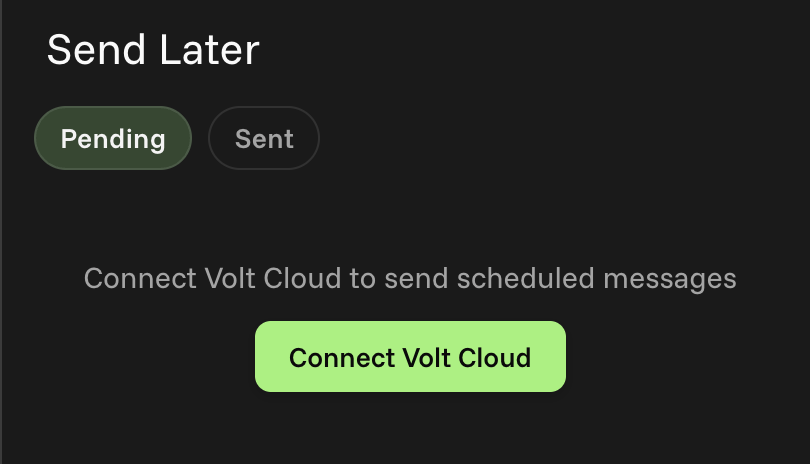
Scheduled messages that need Volt Cloud to send prompt you to connect it right from the Send Later panel:
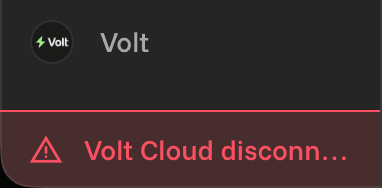
You’ll also find a red square in the bottom left of Volt when Volt Cloud is disconnected:
Privacy & data
- Messages are stored encrypted. Volt Cloud stores message content encrypted at rest.
- Data is destroyed on disconnect. Disconnecting Volt Cloud deletes the data it stored.
For more detail, see our Privacy Policy.
Next steps
Head to Setup Instructions to connect Volt Cloud, or Troubleshooting if you’re having connection issues.