
Tuesday, May 5, 2026
Start a Meeting from Any Chat

Santi
Five Steps for a One-Step Thing
Volt now has native Google Meet and Zoom integrations. From any chat, you can generate an instant meeting link and send it in the conversation without switching apps.
What We Shipped
The flow:
1. type /meet or /zoom
2. Select your favorite platform
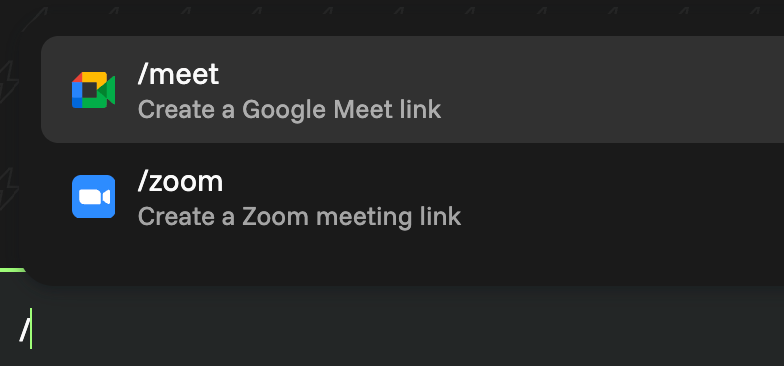
3. An instant meeting link is created and pasted into the compose box
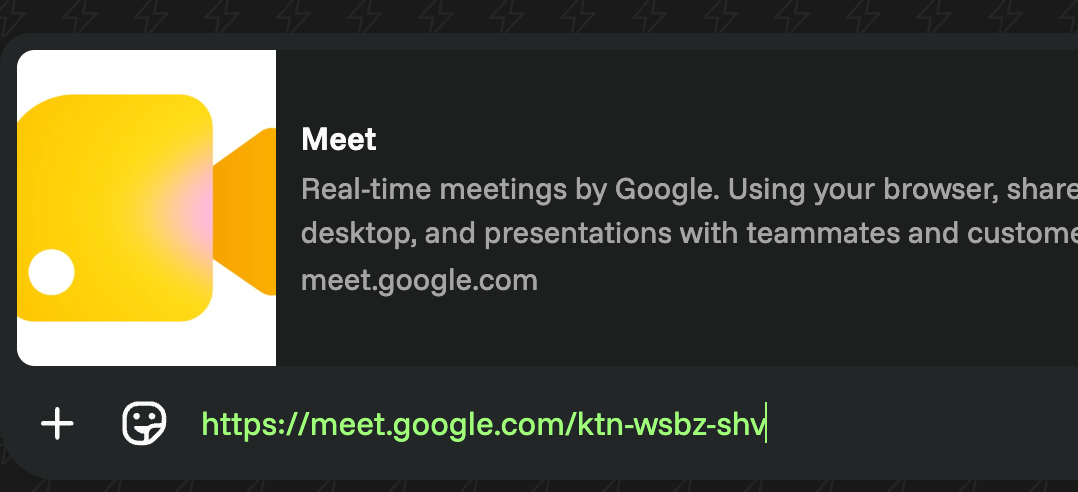
The link is live immediately. Whoever you're talking to can tap it and join.
Setting It Up
The first time you type /zoom or /meet an authentication will be needed.
You can also connect your Google or Zoom account once in Settings → App Store. After that, the option is available in every chat.
Before vs Afer
The usual flow: leave Volt, open a browser or the Zoom app, create a meeting, copy the link, switch back to Volt, paste it. Five steps for something that should take one.