
Wednesday, November 26, 2025
All of our List Improvements in the last 2 months

- All of our List Improvements in the last 2 months
Over the last two months, we went deep on Lists: cleaning up, adding new powers, and making them feel more like a real product and less like a clever hack on top of WhatsApp.
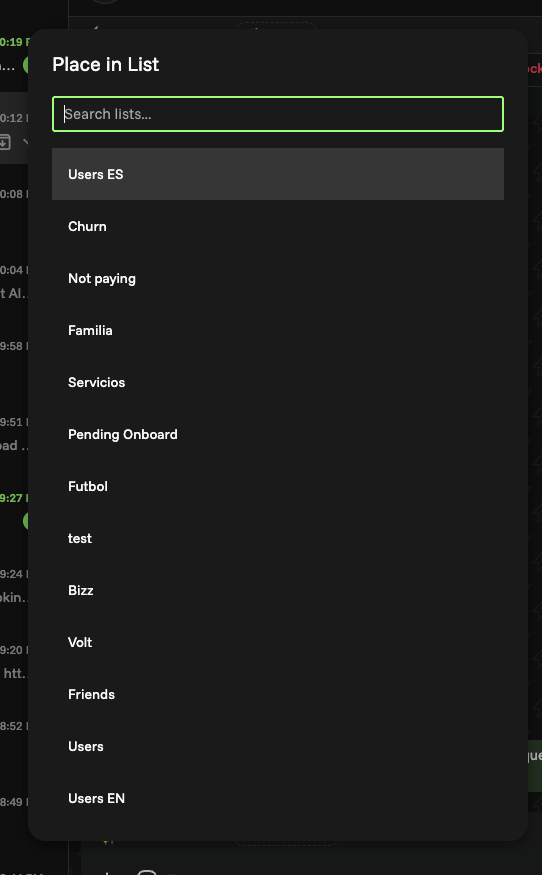
1. ⌘ + P to create or assign a list
Before: creating or assigning a list meant hunting with your mouse in the sidebar, breaking your flow mid-conversation.
Now:
- Hit ⌘ + P
- Type the name of an existing list to quickly assign a chat
- Or type a new name and create a list on the fly
2. [Ctrl + 1–10] → Smart suggestions
We also added a faster way to act on Volt’s suggestions.
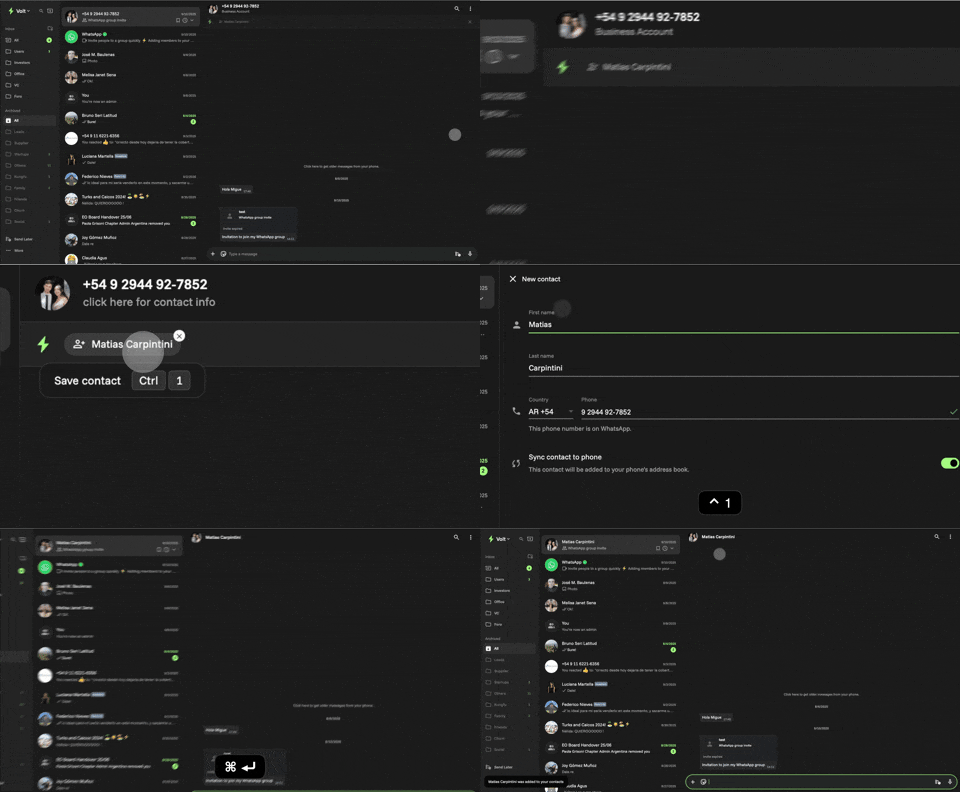
When Volt detects that a chat should probably belong to a list, you’ll see suggestions appear — and now you can accept them instantly using:
- Ctrl + 1–10 to pick from the suggested lists
No scrolling, no searching, just “yes, that’s correct” in one keystroke.
3. The + button in the sidebar
From the Lists sidebar, you can now:
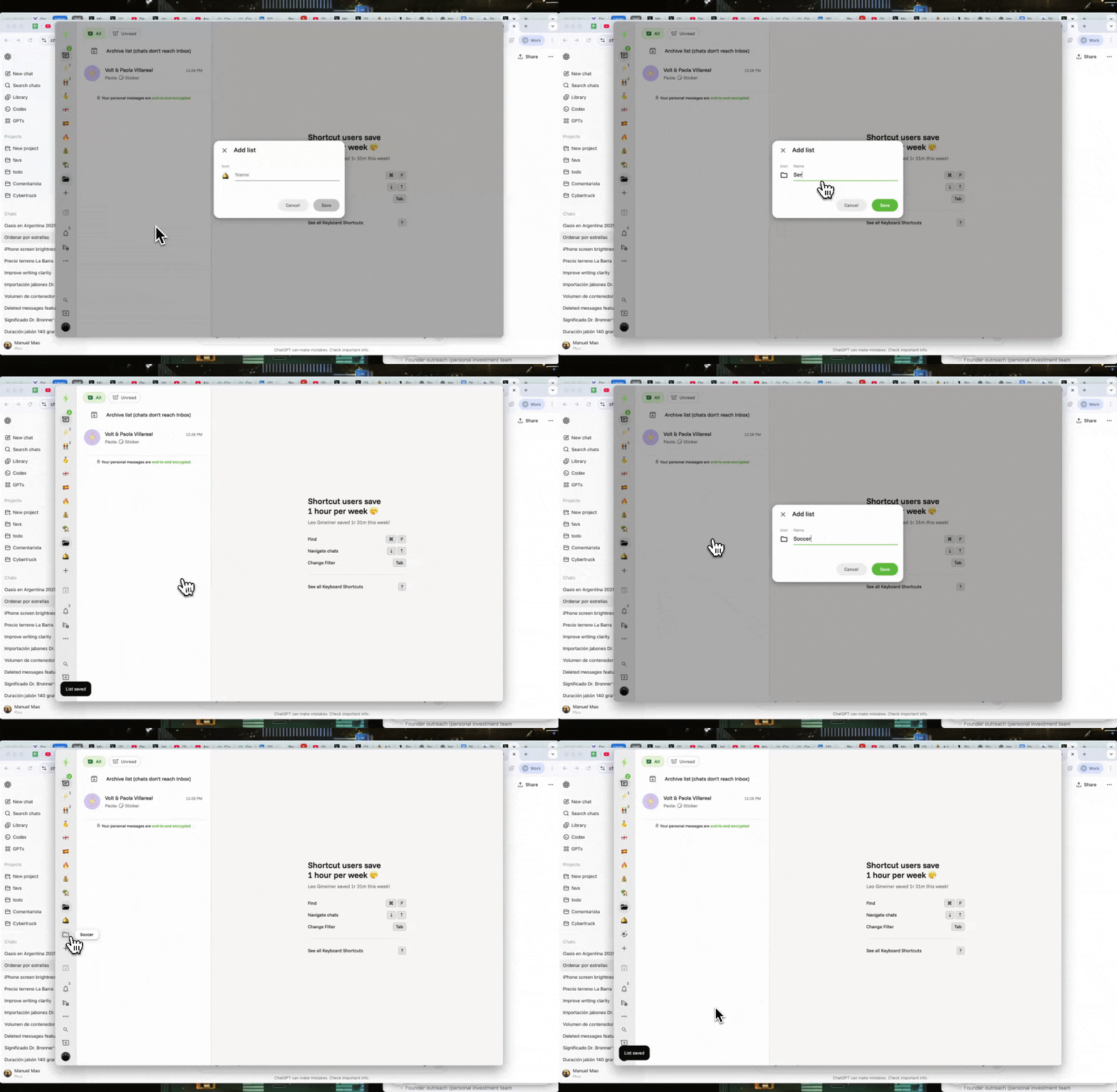
- Click the new + button to create a list right there
- Name it, give it an emoji (more on that below), and you’re set
No hidden flows, no “where do I create this again?” confusion. It’s obvious, it’s visible, and it matches the rest of your mental model for apps: plus button → create new thing.
4. Assign emojis to lists
Lists used to be all text. Functional, but flat.
Now you can assign an emoji to each list. That tiny change makes Lists scannable in a second
5. Removing the 20 lists threshold
Here’s one for the power users.
Under the hood, Lists originally shipped with a “threshold” that made it impossible to go beyond 20 lists.
We’ve now removed that hidden limit
6. Broadcasts for lists
This is where Lists start to pay you back.
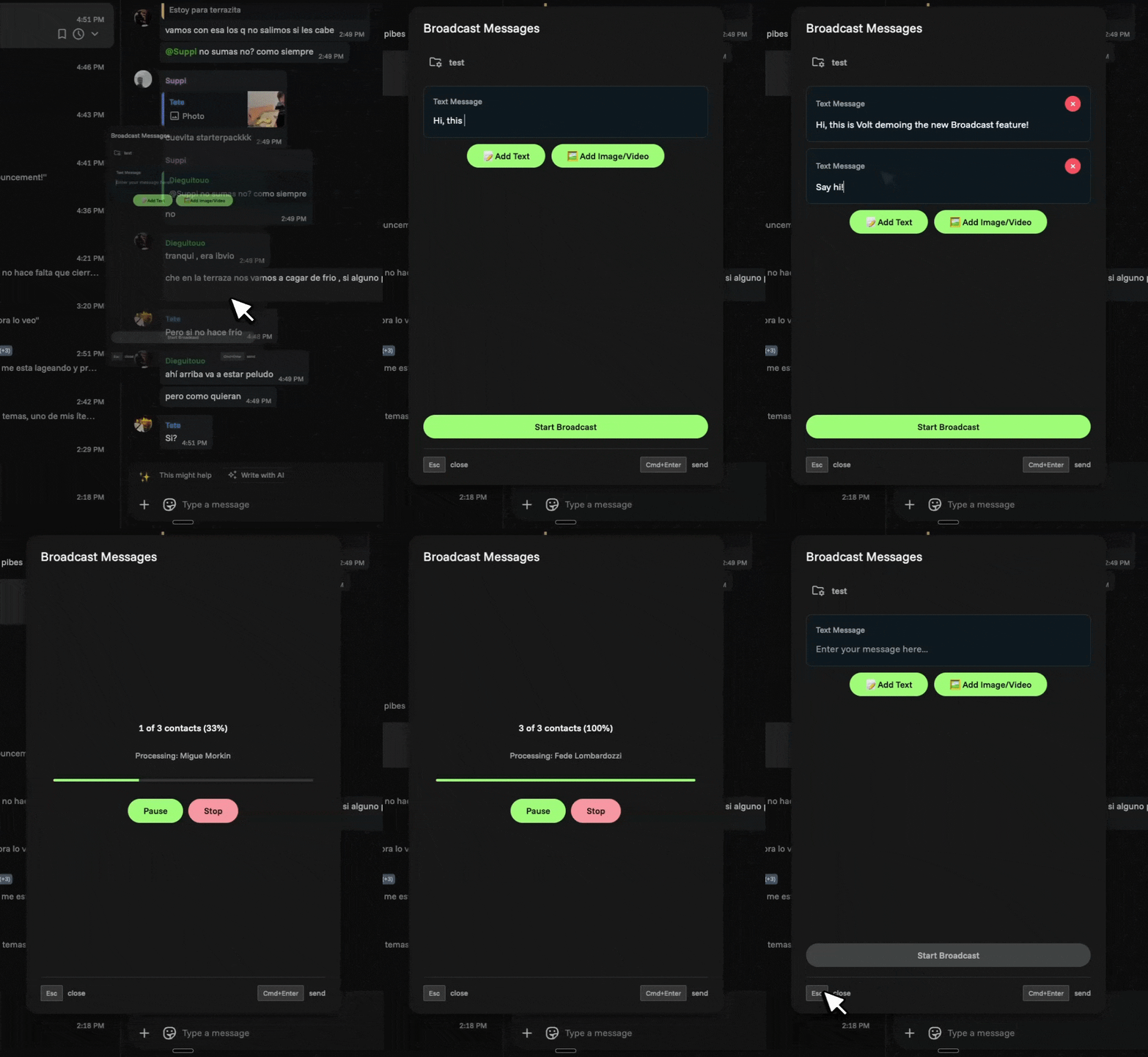
With Broadcasts for Lists, you can:
- Write a message once
- Send it to everyone in a specific list via WhatsApp
Some examples:
- Send a quick update to all “Active Clients” about a new feature
- Ping all “Leads – In Progress” with a reminder to book a call
- Share an announcement with your “Internal Team” list without building a new group
6.1 Name Variables for Broadcasts
Soon you will be able to include variables and personalize your broadcasts.
This way you can send broadcasts messages without sounding like an NPC.