Tuesday, November 18, 2025
You can now add icons to your lists!

One-Minute Update
Give Your Lists a Face
You can now add icons to your lists. 🎉
That’s it. That’s the feature. But here’s why it matters.
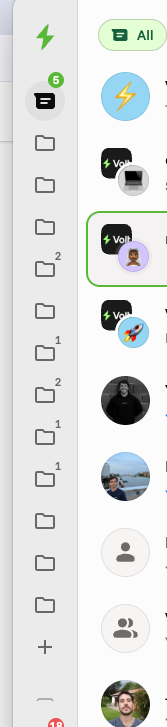
Until now, all your lists looked the same. “Clients,” “Family,” “Urgent Stuff,” “Random Brain Dumps” — a boring grey folder icon for all lists. Your brain had to read every label, every time.
Icons turn those lists into landmarks.
💼 A briefcase for “Top Clients”
🧠 A brain for “Deep Work”
💜 A heart for “Partner / Family”
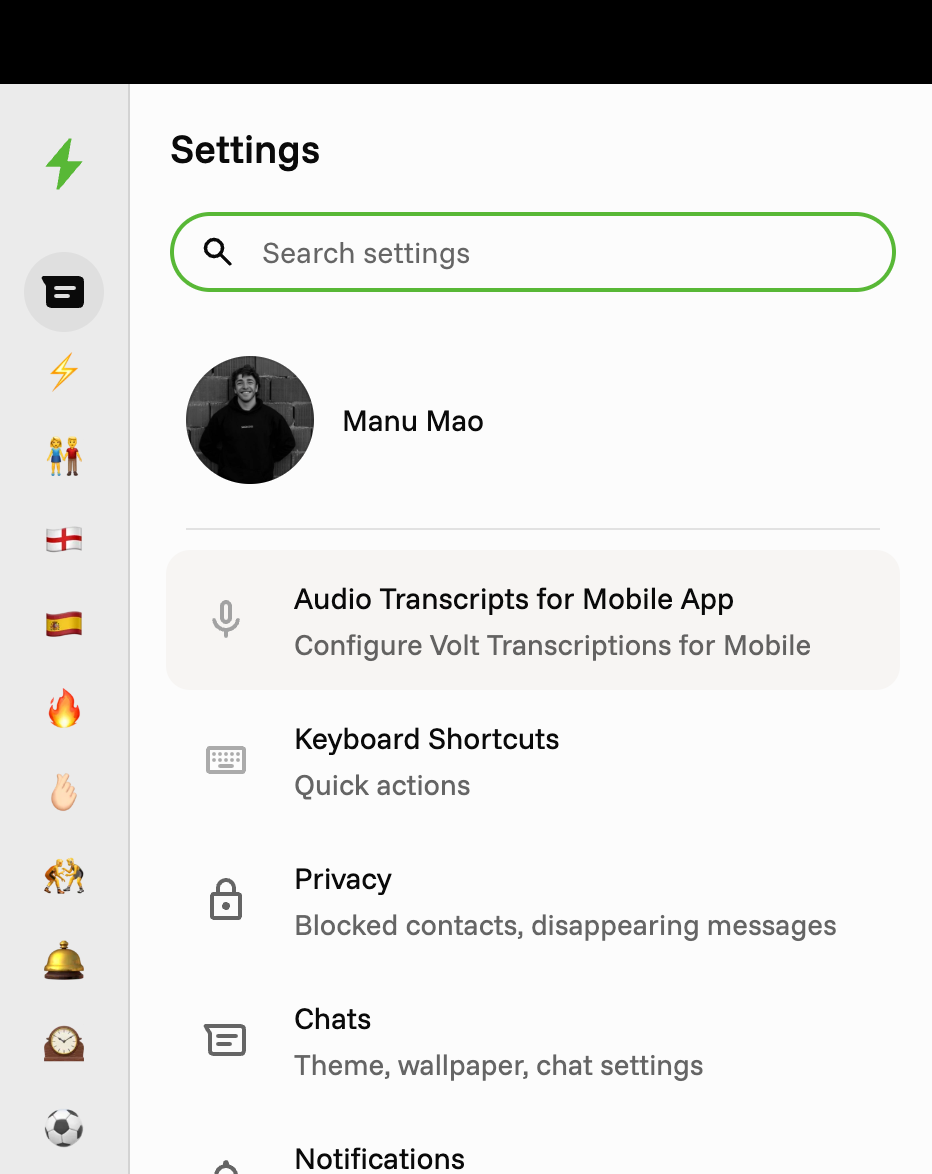
You don’t think your way to the right list, you glance your way there. It’s faster, more fun, and way harder to ignore the “🔥 Overdue Follow-ups” list.
How it works
Open your Lists
Pick a list
Set an icon (emoji) for it
Done. The emoji now shows up everywhere that list appears
Change it as often as you want.
Go add an icon to your most important list right now.
Before vs After